
Notifications
Codecks notifies you when something happens that is relevant to you. Why you get a notification depends on your relation to the card. You can be its owner, you can watch it, or you can take part in one of its conversations.
You don’t get notified about changes you made yourself. The one exception: when you finish the last card that blocked a card you own, you’re still told that your card is unblocked.
Where you see notifications
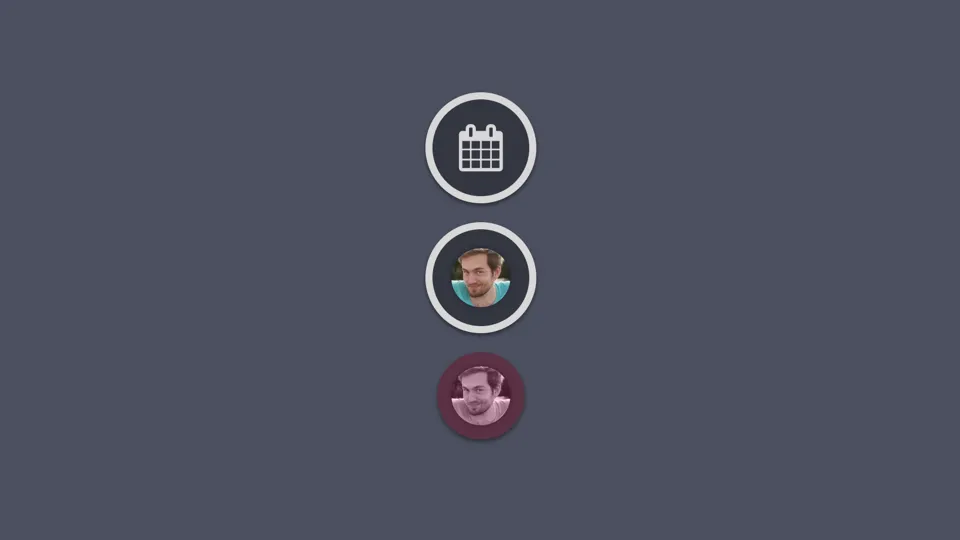
Notifications show up in the bottom right corner of the screen. They are grouped into stacks:
- Conversations New comments in conversations you take part in
- Cards you own Changes to cards you are the owner of
- Cards you watch Changes to cards you watch
- Due Cards Cards that are due today
- Time Tracking Time tracking entries that were stopped automatically
Notifications are dismissed automatically once you open the card and look at the changes. To dismiss all notifications of a stack at once, keep the dismiss button of the stack pressed. Due date notifications can’t be dismissed. They go away once the card is done, archived, has a new due date or a new owner.
Besides the notifications inside Codecks you can also receive emails and browser notifications. You can set this up in your profile.
Owner notifications
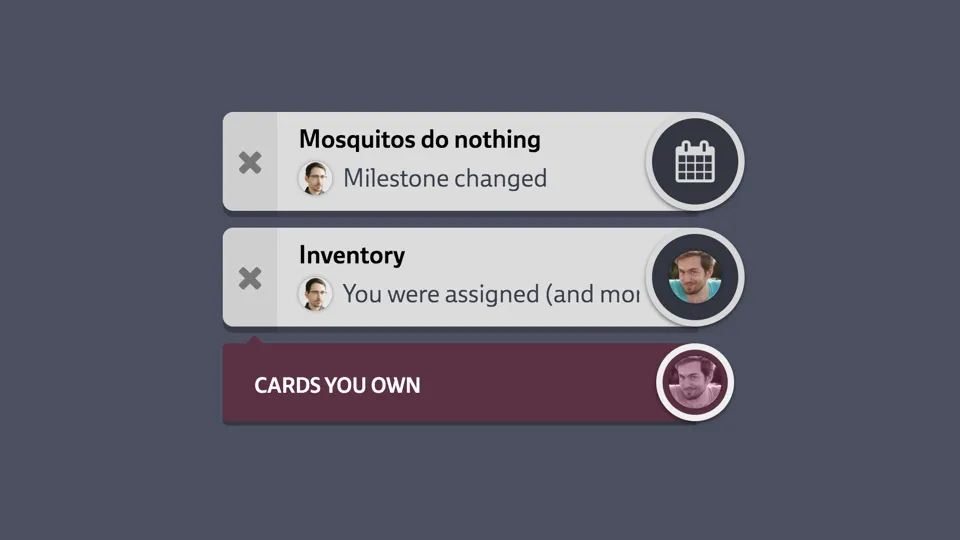
As the owner of a card you have work to do on it. So you are told about every change another person makes to it:
- The card was created with you as owner
- You became the owner or are no longer the owner
- The workflow state changed (e.g. the card was started or set to done)
- The card was archived, deleted or restored
- The card was moved to another deck
- Title, content or attachments changed
- Priority or effort changed
- The card was added to or removed from a milestone, run or vision board
- All cards blocking your card are done, so you can start working on it (see dependencies)
- The card is due today (see due dates)
The owner also takes part in every conversation that is started on the card and can’t opt out of it. Conversations that were already open when you became the owner don’t include you.
Watching cards
Watching a card is a lighter way to follow it. As a watcher you are told about the important steps only:
- The card was created
- The workflow state changed
- The card was archived, deleted or restored
- The card was moved to another deck
- A new conversation was started on the card
Changes to the content, priority, effort and so on are not reported to watchers. If you need these, you should probably be the owner of the card.
A new conversation only notifies you once. You don’t receive further comments unless you join the conversation by replying or someone mentions you.
How to watch a card
You start watching a card when:
- You use Watch Card in the card’s More Options (…) menu
- Someone mentions you in the card content. You also get a “You were mentioned” notification.
- You create the card. You can turn this off by clicking the eye icon in the card creation dialogue. This is useful if you create many cards for others and don’t want to follow each of them.
To stop watching a card, use Unwatch Card in the same menu.
Watching a deck
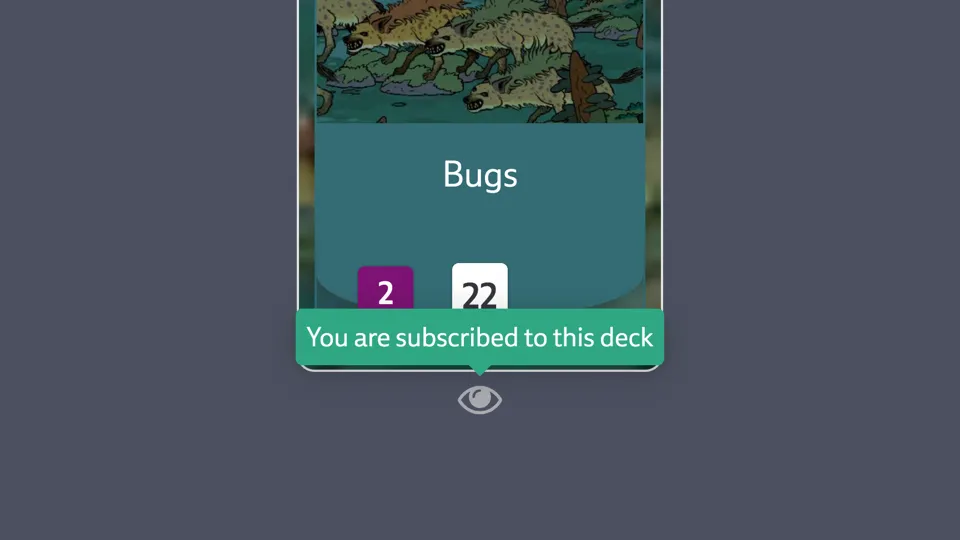
You can also watch a whole deck by clicking the eye icon at the top of the deck. This is the same as watching every card in the deck, including cards that are added later. When a card is moved out of the deck, the watchers of that deck are notified about the move as well.
While you watch a deck, you get notifications for all of its cards. Unwatching a single card of that deck doesn’t change this.
Conversation notifications
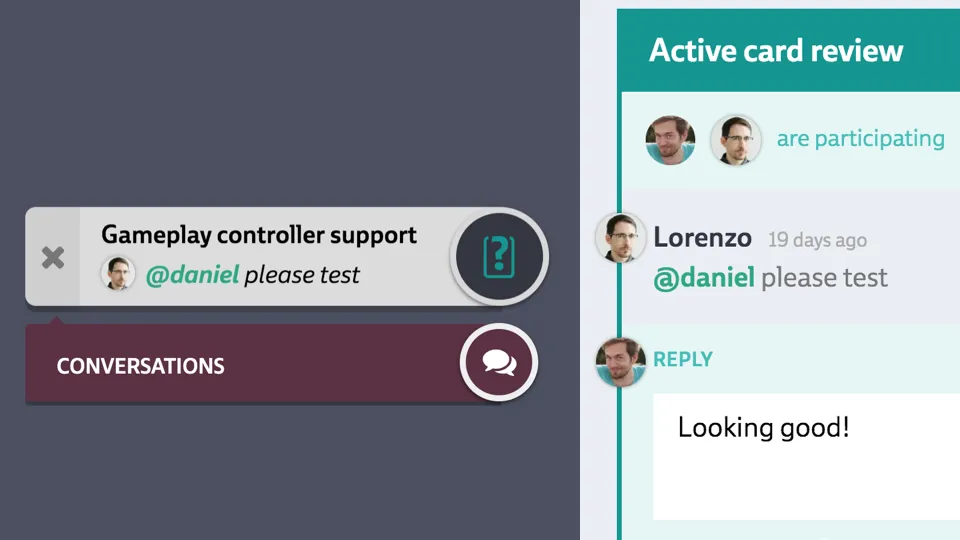
Each conversation has a list of participants. These people are notified about every new comment and when the conversation is closed or reopened.
You take part in a conversation when:
- You started it
- You are the owner of the card
- You are mentioned in a comment
- You reply to it
- You are a guardian of the deck and the conversation is a review
Unless you are the owner of the card or the last remaining participant, you can opt out of a conversation by clicking on your portrait icon on top of it. You won’t receive any further notifications for it until someone mentions you again.
Owner, watcher and participant compared
| You are notified about… | Owner | Watcher | Participant |
|---|---|---|---|
| New card | ✓ | ✓ | |
| Workflow state changes | ✓ | ✓ | |
| Archived, deleted or moved | ✓ | ✓ | |
| Title, content and attachments | ✓ | ||
| Priority, effort, milestone etc | ✓ | ||
| Unblocked dependencies | ✓ | ||
| Due date | ✓ | ||
| New conversation started | ✓ | ✓ | |
| New comments in a conversation | ✓ | ✓ | |
| Conversation closed or reopened | ✓ | ✓ |